Pull Requests in Visual Studio - Design Process Showcase
I led the design of complex UI from the initial concepts to the final implementation to find the optimal solution for code review in Visual Studio IDE.
Category
UX Design, User Research
Role
Principal Designer
Client
Microsoft Corporation
Year
2024
The Objective
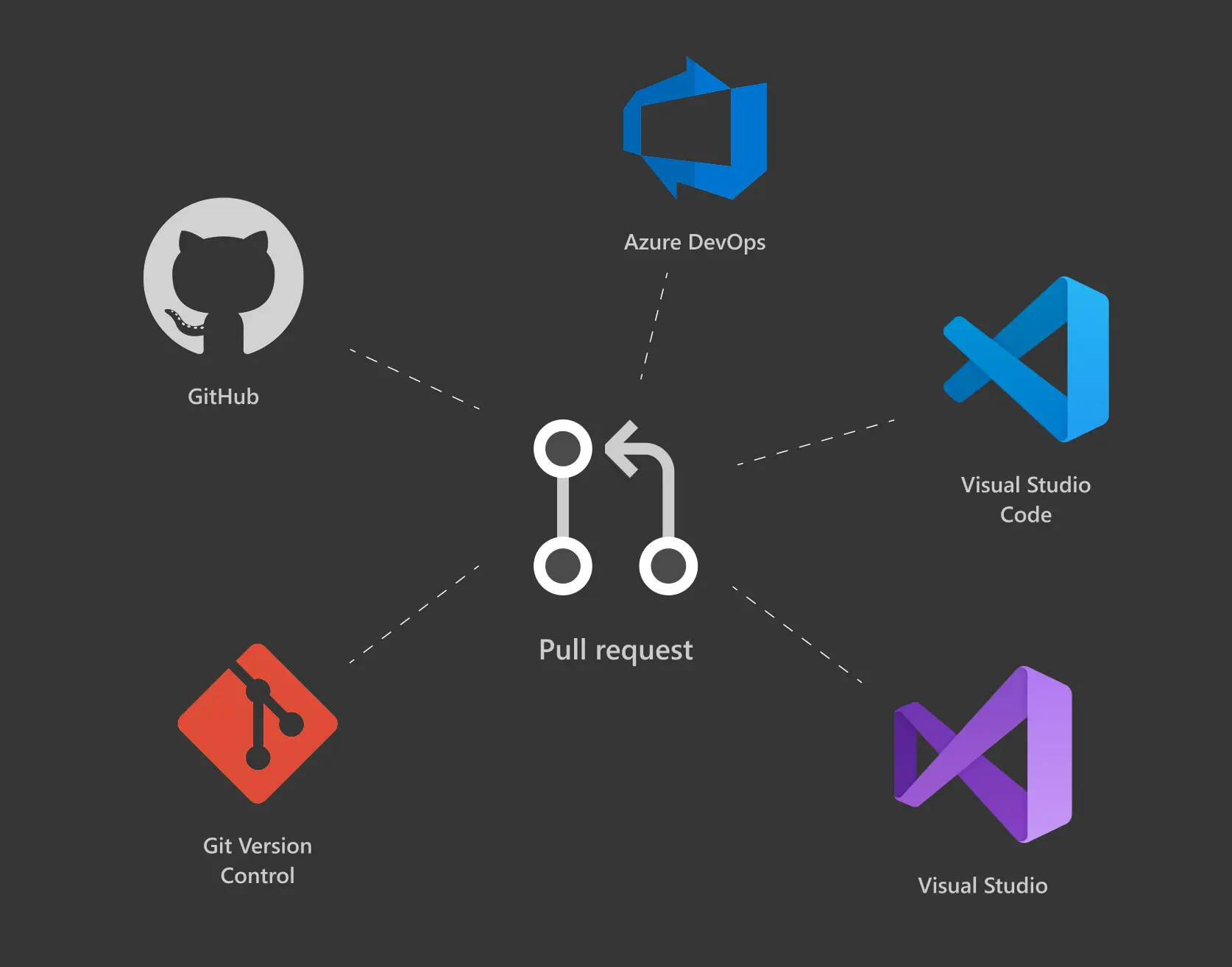
A pull request (PR) is a collaborative tool used in version control systems like Git to propose and discuss changes to a codebase. Developers create pull requests to request that their changes be reviewed and merged into the main codebase by other team members.
Visual Studio developer environment lacked all pull request capabilities and the feature was one of the highest request items among the community.
My task was to design a seamless pull request experience within Visual Studio IDE, enabling developers to efficiently review, comment on, fix comments, and merge code changes without leaving their development environment.
User Research
I started with a competitive analysis and benchmarking the core user flows in existing experiences. At the same time I collected customer and problem hypotheses to be validated. I created some lo-fidelity wireframes to support design communications, user research and spark the discussion with our customers.
My partner programs (kudos to Jessie Houghton and Taysser Gherfal) interviewed developers from various backgrounds and experience levels to understand their pain points, needs, and preferences when it comes to code review and collaboration. We then together synthesized the findings and identified key themes and insights.
Research Findings
Developers expressed a desire for a streamlined workflow that minimizes context switching and enhances productivity during code reviews. It became clear how the user role (author vs reviewer) defines which pull request features are the most relevant in the coding environment.
Some user comments:
"I want to create my pull requests in the IDE right after finishing my code”
"Hmm, it might be interesting to take full advantage of the Visual Studio while reviewing or fixing issues.”
“As an author I want to use the IDE to fix the PR comments.”
“Could I have the PR open on a separate monitor while working on PR changes?”
“Why would I review the PR in my code editor? GitHub provides me a great experience already today.”
"Notifications during coding mostly just annoy me and break my flow”
Key UX Challenges
User testing helped answer foundational questions and clarify where to start and which features to prioritize. However, the majority of the UI design work still lay ahead, raising several key UX challenges:
Scope of pull request functionality: Which pull request capabilities are essential, which can be deferred, and what criteria guide those decisions?
MVP vs. North Star vision: What does the MVP design look like compared to the North Star experience, and how can the product evolve smoothly from one to the other?
Ecosystem consistency: How can the design align with existing GitHub and Azure DevOps pull request experiences—across iconography, terminology, and UI patterns—while still feeling native?
Cross-product coherence: What does a coherent design look like across two different products—Visual Studio (Windows) and Visual Studio Code—and where should the experiences intentionally diverge?
Layout and screen real estate: Which layout options best support core user flows, maximize screen space for efficient code review, and integrate cleanly with the existing version control UI?
Design Iterations
I created multiple design iterations to explore different approaches. Each iteration focused on addressing specific pain points identified during user research and concept development. I gathered feedback from internal and external users and stakeholders to refine the designs and ensure they met the needs of developers. I also validated the designs with the engineering team for further ideation, transparency, buy in, and to ensure implementation feasibility.
There were many design details that needed to be figured out along the way:
Final Design
The final Northstar design focused especially on improving the pull request authors efficiency and powering them with tools that reduce context switching and make flows as seamless as possible. Here some high-level screenshots from the final design documentation giving and idea of top-level architecture:
The feature set was designed with scalability in mind, enabling a phased rollout from MVP to a more advanced experience without rework. Early releases focused on core pull request author workflows, while subsequent iterations introduced advanced features informed by user feedback and prioritization.