Git Version Control UX Redesign
Design journey to enhance developer productivity and collaboration with a new Git version control UX for Visual Studio.
Category
UX Design, User Research, Prototyping
Role
Senior Designer
Client
Microsoft Corporation
Year
2020
Project Overview
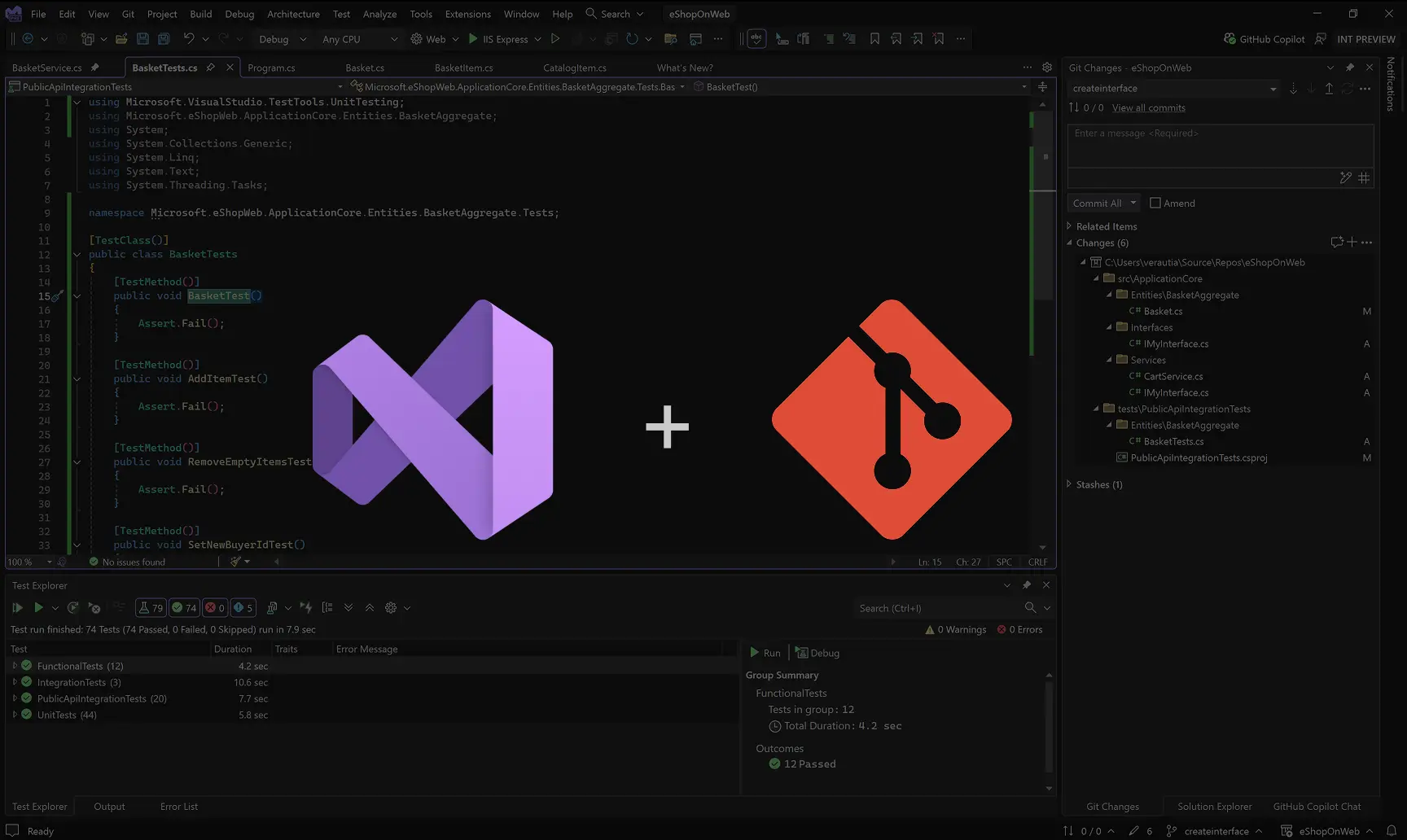
Git is the most used version control system in the world. Developers use it to manage their code changes and collaborate with other developers. Visual Studio IDE (Integrated Development Environment) had a Git experience that was outdated and not user-friendly. I led the redesign effort to make it more intuitive, efficient, and accessible for all developers.
UX Problem
Version control features were hosted in Team Explorer tool window UI. While many users old were used to that UI, it suffered from discoverability and usability issues that became obvious in our customer interviews and user surveys. Some of the key issues were:
• Poor discoverability of the window and its key features especially for new Git users. • Lack of modern Git workflow support. • The UI didn't follow the UX guidelines. Instead it introduced some anti-patterns. • Inconsistent terminology and iconography compared to other Git tools. • Deep information hierarchy introduced complex navigation system and broken mental model.
User Research and Key Findings
With my assistance my partner program managers and researchers (kudos to Taysser Gherfal, Pratik Nadagouda, and Karl Melder) conducted user interviews and usability tests to gather insights into developers' pain points with the existing version control UX. We wanted to understand how developers use Git in their daily workflows, what challenges they face, and what features they value the most.
In our research it became clear that users needed just a very focused sub-set of features during their coding time (inner-loop) that should be easy to access and use without breaking their coding flow. On the other hand, there was a need for a more comprehensive and detailed version control UI that could support more complex workflows and use cases (outer-loop).
Guiding Design Principles
The scope of version control feature was very large. I drove the effort to define clear design principles to guide the redesign process and to frame the decision making process with stakeholders:
1. Build trust and confidence Through predictable, transparent, and reliable interactions.
2. Make system status always visible Users should never guess what’s happening or what changed.
3. Protect focus and flow Minimize context switching and support fast, lightweight inner-loop actions.
4. Enable effortless discovery in context Surface features naturally as part of the workflow.
5. Stay true to Git Prefer native Git terminology and its default behavior.
Git Changes Tool Window (inner-loop experience)
This the final design of the coding time experience. This tool window UI sits always readily "on the side" of the main coding UI providing quick access to the most common version control tasks without breaking the coding flow. Its main purpose is to support fast commit and sync operations during the inner-loop coding time.
One of the biggest design challenges was to decide what to add and what to left out from this UI to keep it simple and focused. As a designer, I was very protective and opinionated about keeping this UI minimalistic and only with the most essential features.
Git Repository window (outer-loop experience)
Git Repository window provides a comprehensive view to the repository status and allows users to perform all version control tasks in one place. User can open this window when they need to perform more complex workflows that require more context and information.
With this UI the main challenge comes from the high-density information layout. One single window needs to support a wide variety of use cases and workflows while keeping the UI understandable and usable. The multi-panel layout with collapse, expand, resize, and detach capabilities offered needed flexibility to users to customize the UI based on their needs.
Design Detail - Git Graph Tags
Complex UI like Git Repository window is full of design details that needed to be carefully considered and specified. This video illustrates how the Git history graph tags behave and scale when the table column width varies. This prototype was done in Figma and was naturally part of developer hand off.
Impact
The updated UX was widely embraced and received strong positive feedback. From a forward-looking design perspective, the new architecture gave us reusable UI elements and a scalable structure that was easy to extend. This made it possible to start with a smaller MVP and gradually add new features in future releases.
Key Learnings
The new version control UI was by far the largest feature set I worked on during my time at Microsoft. It taught me a lot about designing for developer tools, and here are some of the key lessons I took away.
Seek diverse feedback • People’s brains are wired differently. Don’t assume that what makes sense to you will make sense to others. • Share openly. Gathering feedback from users, peer designers, stakeholders, and developers (who are also users) is invaluable.
Know the product—and who you’re designing for • Sometimes prioritizing usability over minimalism or aesthetics is the right choice; other times, the opposite is true. For example: Developers are learned to love their hi-density UIs. • Take advantage of the qualitative and quantitative data you have.
Be brave and critical • Design should have a point of view and clear reasoning behind it, even if loosely held. • Removing features is a form of design—sometimes more important than adding new ones. • Not all data or feedback is correct or reason to pivot. Often there is no single “right” answer.
Good design needs to be implementable • Make your designs scalable and modular from the beginning. • Consider business goals and time constraints. • Take technical constraints into account early.
Communication is crucial • Learn different ways to communicate ideas and designs effectively, both asynchronously and in real time. • Clear and precise communication helps avoid misunderstandings.
Take advantage of your design tool capabilities • Use design systems and keep them updated. If one doesn’t exist, create your own. • Combine quick, rough prototypes with more precise ones for validation and engineering handoff. • Invest time in making components scalable and reusable—it pays off later. • Keep design files organized and understandable for others (and your future self). • Maintain a single source of truth—the design file.